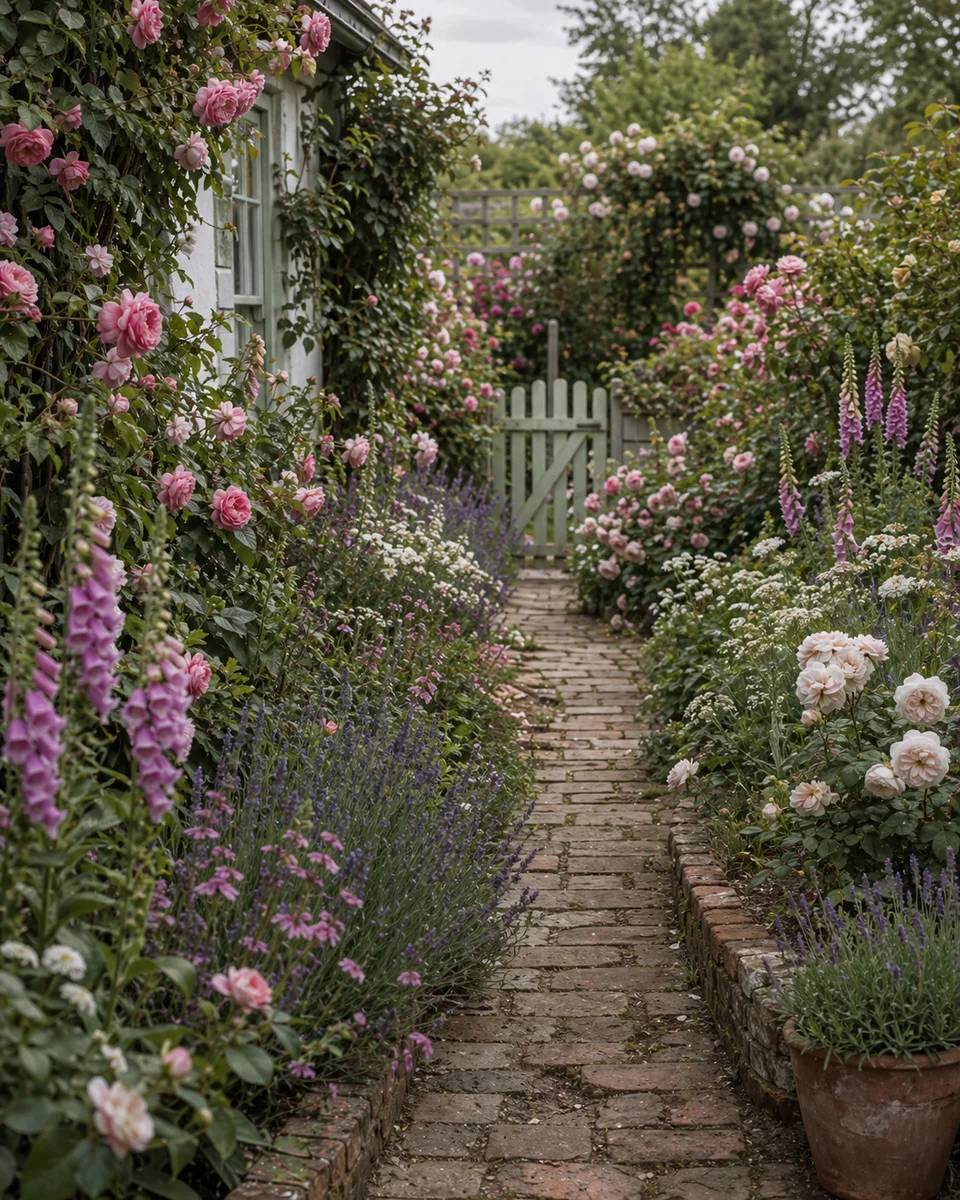
How to use ChatGPT for garden ideas — and Arden to visualise them
Do not ask ChatGPT to “make my yard look good” and stop. Kill options in chat. Prove the two survivors on your specific photo.
Step 1 — Give ChatGPT constraints, not a vibe
Open with facts ChatGPT can use: USDA zone (or country + nearest city), sun hours, soil or drainage notes, pets or kids, budget band, and what must stay (mature tree, fence, slope, patio). Ask for five named garden directions with one to avoid, plus why each fails or fits. “Make it modern” produces a mood board. “Zone 7a, afternoon shade, dogs, under $2k hardscape, keep the maple” produces a brief you can test.
Step 2 — Make ChatGPT argue against itself
For each favourite, ask what would make it a mistake on your site — water need, mature size, HOA rules, winter look, maintenance hours. You want the failure mode before you fall in love with a generated picture. Drop anything that needs irrigation you will not install or plants that are toxic to pets you already named.
Step 3 — Turn survivors into a photo brief
Keep two or three directions. For each, write one sentence ChatGPT helps draft: style name, hardscape materials, plant palette in plain language, and what must not change in the photo (house wall, fence, tree). That sentence is what you take into Arden — not a paragraph of inspiration.
Step 4 — Visualise on your yard photo in Arden
Open Arden, upload one clear daylight photo that shows the house edge and both fence lines if you can, and generate the survivor styles on that photo. Judge the result against the yard you own: does the path still meet the door? Did the design invent land you do not have? Prefer the preview that respects geometry over the prettier invented plot. Arden is free to start on iOS and Android.
Step 5 — Use the preview for the next real decision
The goal is not more inspiration. It is the next irreversible step: which plants to buy this weekend, whether to keep lawn, where the dining zone sits, or what to show a landscaper. If ChatGPT and the photo disagree — chat loves a dense cottage border your narrow side yard cannot hold — trust the photo. The chat does not have to mow it.
Workflow table
Frequently Asked Questions
01 Should I upload my yard photo to ChatGPT as well?
Optional for ideation. ChatGPT may still invent land or move the fence when it generates an image. Treat any chat image as mood, then confirm on your photo in Arden.
02 Why not start directly in Arden?
You can. The results get sharper when you already know which two styles are worth a credit — ChatGPT is cheap insurance against generating ten random looks.
03 How many options should I preview in Arden?
Two or three serious survivors. More than that usually creates noise instead of a decision.
04 Does this replace measuring the site?
No. Photo previews help you pick a direction. Construction, drainage, and setbacks still need real measurements and local rules.
Preview the survivors on your yard — try Arden free
Download Arden free and preview garden styles on your own photo.
No credit card. No signup. Just results.
Scan to download
Point your phone camera at a code